
When using the internet, a device exchanges data with websites and online services. Some information about the connection may be visible to internet service providers, network administrators, and other parties involved in data transmission. For additional connection security, VPN technology is used to create an encrypted channel between a device and a remote server.
VPNs are used to improve privacy, protect traffic on public networks, and provide remote access to corporate infrastructure. Let’s look at how this technology works, what threats it protects against, and what to consider when choosing a service.
What Is a VPN?
VPN (Virtual Private Network) is a technology that provides a secure connection between devices over another network, including the internet. With a personal VPN, traffic passes through a remote server, and the data transmitted between that server and the device is encrypted.
The question “VPN, what is it?” has a simple answer: it is a technology for creating a secure communication channel. It helps limit unauthorized access to transmitted data and can change the IP address visible to websites.
The question “what is a VPN network?” refers to the technology itself, which should be distinguished from commercial VPN services. The technology is used by both individuals and businesses, whereas commercial services typically provide ready-to-use infrastructure for connecting.
How Does a VPN Work?
Normally, a device accesses web resources through its internet service provider’s network. When a VPN is activated, an encrypted tunnel is established to a VPN server. Traffic specified in the connection settings is transmitted through this tunnel. In full-tunnel mode, all applicable internet traffic from the device is routed through the VPN, while split tunneling routes only selected applications or network paths through it.
The VPN server decrypts the tunnel traffic and forwards requests to the appropriate resources. Meanwhile, an HTTPS connection to a website remains encrypted at the application layer. Responses follow the reverse path. Websites usually see the VPN server’s public IP address instead of the user’s address.
Encryption protects the contents of the VPN tunnel from being read by other parties on the network. However, once traffic leaves the VPN server, its subsequent protection depends on application protocols, including HTTPS. This is why a VPN does not replace a secure connection to a website.
What Is a VPN Used For?
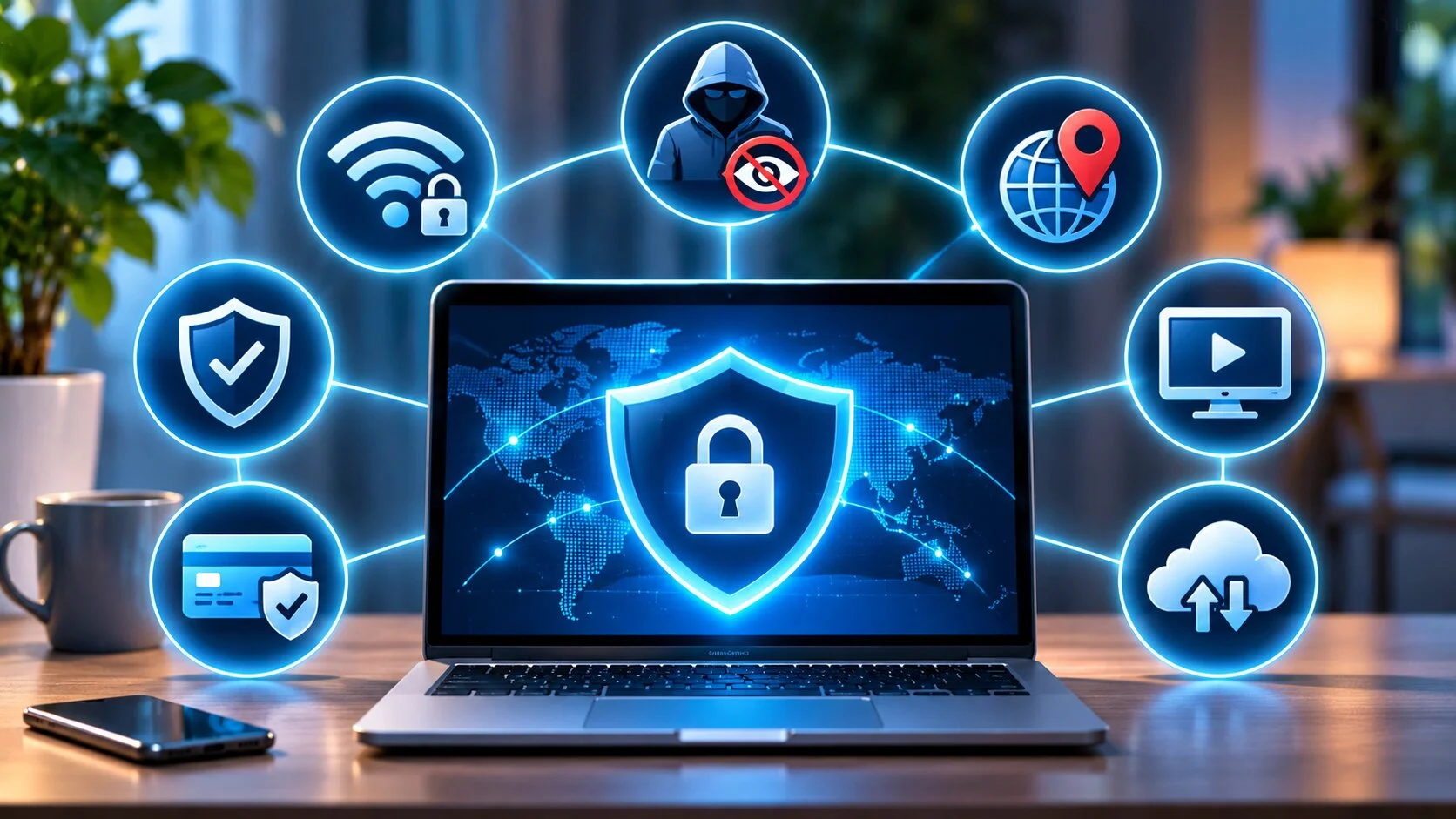
VPNs are used when it is necessary to protect data transmission, limit access to information about network activity, or establish connections to private resources.
Protecting Personal Data on Public Wi-Fi Networks
In cafés, hotels, and airports, people often connect to networks whose security level is unknown. Attackers may set up fake access points or attempt to intercept unencrypted traffic.
A VPN adds encryption between the device and the VPN server, reducing the risk of data being read on the local network. However, it does not protect against fake websites, malicious files, or passwords stolen through phishing.
Protecting Privacy While Browsing the Internet
With a properly configured VPN, the internet service provider can see that a connection to a VPN server exists but cannot normally access the contents of the tunnel or the addresses of resources accessed through it.
Websites instead see the VPN server’s IP address. Nevertheless, they may still identify users through logins, cookies, browser fingerprinting, and other tracking mechanisms.
Accessing Geographically Restricted Resources
Connecting to a server in another country changes the visible IP address and may affect how the user’s location is determined.
This can sometimes provide access to resources whose availability depends on the region. However, streaming platforms and other services may detect VPN use, employ additional geolocation methods, or restrict such connections under their terms.
Secure Connections to a Corporate Network
A corporate VPN establishes a secure channel between an employee’s device and the organization’s infrastructure. It can provide access to internal servers, databases, and file storage without exposing these resources to the entire internet.
An administrator defines access permissions, configures authentication, and controls connections. To protect corporate information, a VPN should be combined with multifactor authentication, device security checks, and a firewall. For example, Atman Firewall is a separate managed network security service presented on the Hostpark website, and VPN is among its supported functions.
Remote Work with Internal Company Resources
When working from home or traveling on business, employees can use a VPN to access an internal CRM, documents, business applications, and administration tools.
Typically, the IT department provides the connection configuration and defines which resources are available to each employee. This makes it possible to work remotely without being physically present in the office. Internal applications may run on physical servers or in a virtualized environment; the principles of organizing such an environment are covered in What Is a Private Cloud?. A VPN does not automatically mean that it is included in a private cloud service.
What Does a VPN Hide, and What Can’t It Protect Against?
A VPN improves the privacy of a network connection, but it does not make a user completely anonymous. Its capabilities depend on the configuration and on which data passes through the tunnel.
| A VPN can | A VPN does not guarantee |
| Hide the user’s public IP address from visited websites when their traffic passes through the VPN server | Complete anonymity online |
| Encrypt traffic to the VPN server | Protection against all viruses and phishing attempts |
| Limit traffic visibility for the internet service provider | Concealment of information entered on websites |
| Secure a remote network connection | Security of a compromised device |
It is also important to consider how much you trust the VPN provider. Depending on the service architecture, the VPN provider may obtain connection metadata and have access to traffic content that is not protected by separate encryption, such as HTTPS.
What Types of VPN Are There?
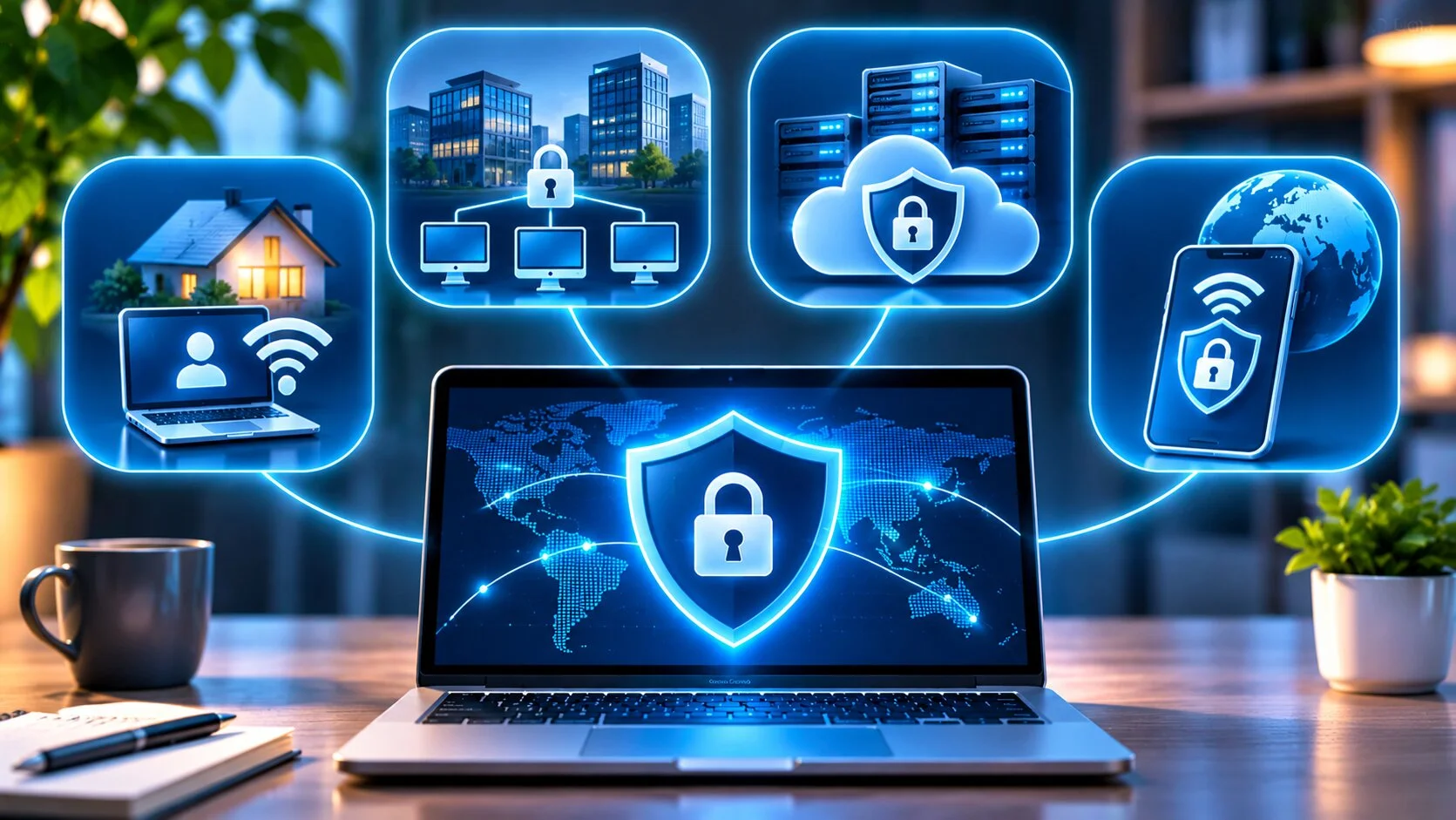
VPN networks can be organized in several ways. Based on their purpose, VPNs are commonly divided into three types.
A personal VPN is used by individuals. For example, while traveling, someone may connect to a VPN provider’s server to protect traffic on a hotel’s network.
A remote-access VPN allows an individual employee to connect to corporate infrastructure from home or another location.
A site-to-site VPN connects two or more networks. For example, a company may establish a secure connection between offices in different cities so employees can use shared internal systems.
VPN Protocols
A VPN protocol determines how a secure connection is established, how authentication takes place, and how data is transmitted. Security, performance, and device compatibility depend on its implementation and configuration.
| Protocol | Features | When to use it |
| WireGuard | Modern cryptography, compact implementation, high performance | For fast personal and corporate connections |
| OpenVPN | Flexible configuration, broad support, proven technology | For different platforms and complex network configurations |
| IKEv2/IPsec | Stable operation, supports reconnecting after network changes | For mobile and corporate devices |
| L2TP/IPsec | Older technology, compatible with some existing equipment | Mainly for maintaining legacy infrastructure |
WireGuard and OpenVPN remain practical options for modern VPN solutions. IKEv2/IPsec is also widely used, especially in corporate environments. L2TP/IPsec is generally appropriate where compatibility requires it.
PPTP is considered outdated because of known cryptographic weaknesses. It is not recommended for protecting confidential data.
The technical features of the modern WireGuard protocol are described in the official WireGuard documentation.
Main Benefits of Using a VPN
The practical value of a VPN depends on the purpose of the connection. The main benefits of the technology include:
- Traffic encryption. Helps protect information transmitted between the device and the VPN server.
- Additional protection on public Wi-Fi. Reduces the risk of traffic interception on untrusted networks.
- IP address masking. Limits websites’ ability to determine the user’s actual connection IP address.
- Secure remote access. Enables access to corporate resources through a controlled channel.
- Choice of server location. Makes it possible to use IP addresses associated with other regions.
These benefits depend on proper VPN configuration and adequate security of the device itself.
What Are the Disadvantages of a VPN?
A VPN adds another step to data transmission, so it may affect connection speed and latency. This is especially noticeable when connecting to distant or overloaded servers.
Free plans often impose limits on traffic, speed, or the number of available locations. Some websites block VPN provider IP addresses or require additional verification.
Another important consideration is trust in the VPN operator. Some information previously visible to the internet service provider may become accessible to the VPN server operator instead. Therefore, the service’s reputation and privacy policy are crucial.
How to Choose a Reliable VPN Service
When choosing a VPN, assess not only its speed and cost but, above all, how transparently the provider operates. Promises of complete anonymity or absolute protection should not be decisive.
Consider the company’s reputation, country of registration, data retention policy, and independent audits. Claims about a no-logs policy should be evaluated against specific terms: what information is collected, why it is collected, and how long it is stored.
Also assess supported protocols, server stability, device compatibility, and the history of security incidents. For corporate solutions, access management, security event logging, and administration capabilities are additionally important.
Free or Paid VPN: Which Is Better?
A free VPN may be suitable for occasional use, particularly when offered by a provider with a transparent business model. However, being free does not, by itself, indicate whether a service is safe or unsafe.
Paid solutions more often offer a wider server selection, higher traffic limits, additional features, and technical support. Nevertheless, paying for a service does not guarantee responsible handling of data.
Before installing any VPN, find out how the service is funded, what information the provider collects, and whether it shares that information with third parties. Similar recommendations for evaluating VPN reputation and security are provided by the State Service of Special Communications and Information Protection of Ukraine.
Which Security Features Should You Look For?
Even a high-quality VPN needs additional mechanisms to reduce the risk of information exposure due to failures or incorrect settings.
Before choosing a service, check whether it provides the following features:
- Kill switch. When properly implemented, blocks specified traffic if the VPN connection drops, reducing the risk of data being transmitted outside the tunnel.
- DNS and IP leak protection. Helps prevent DNS queries and the real IP address from being exposed through IPv4, IPv6, or other mechanisms.
- Modern encryption. Uses reliable cryptographic algorithms to protect traffic.
- Multifactor authentication. Strengthens protection of the VPN account against unauthorized access.
- Automatic connection. Allows the VPN to activate when joining unsecured networks.
Not all providers support these features. Their availability and behavior should be checked in the documentation and settings of the specific application. A VPN also does not replace specialized protection against excessive request volumes targeting public services: this threat is covered separately in DDoS Attack: What It Is and How to Protect Your Website from Attackers.
How to Set Up a VPN on a Computer and Phone
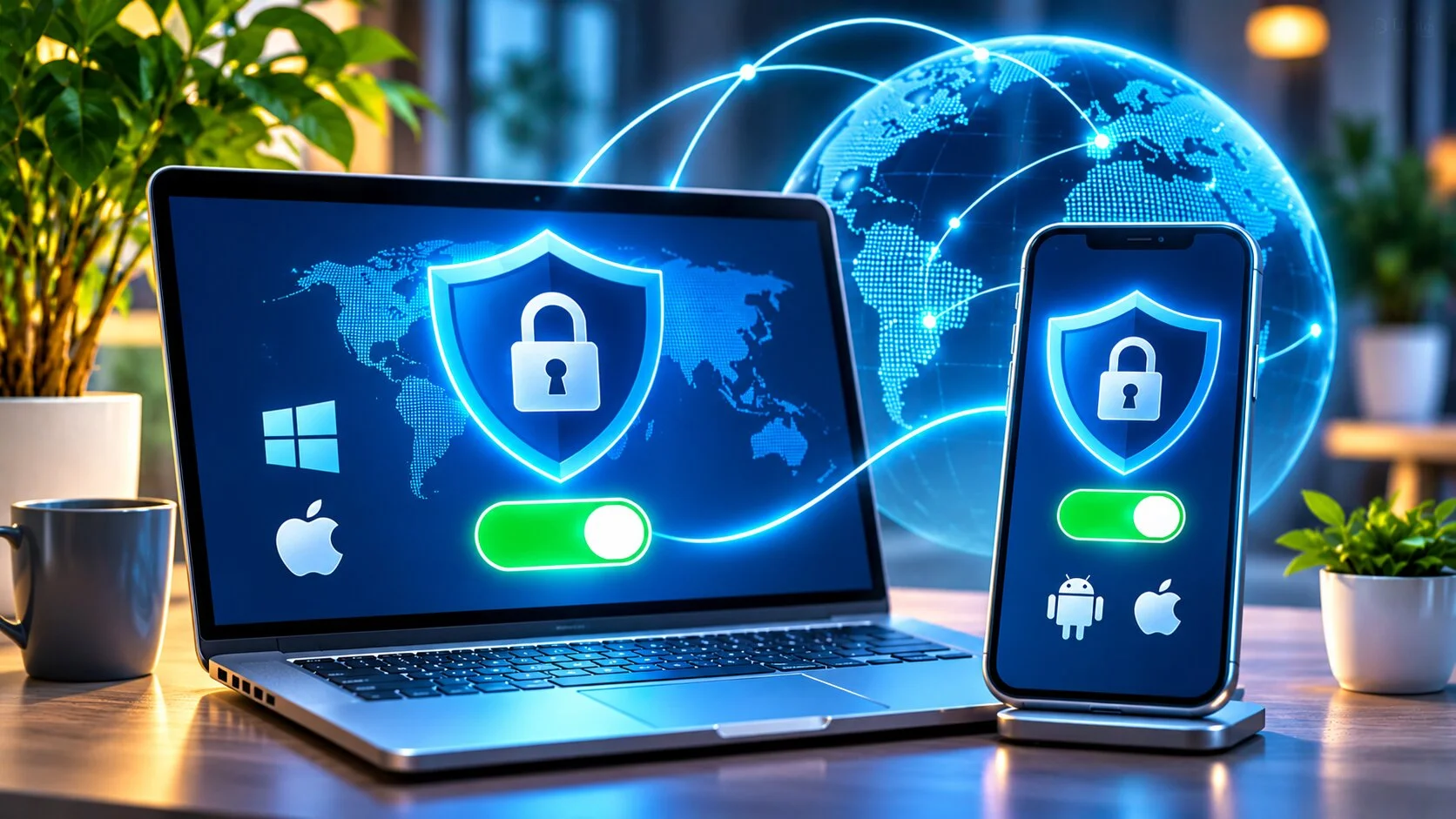
To connect, you can use the VPN provider’s official application or configure the connection manually. The first option is usually easier because the application automatically sets the required parameters.
Manual configuration requires the VPN server address, protocol type, login credentials, and, when necessary, certificates or a configuration file.
Setting Up a VPN on Windows and macOS
On Windows, open Settings – Network & Internet – VPN, add a connection of a supported type, and enter the information provided by your VPN provider. For WireGuard or OpenVPN, use the appropriate client. Once saved, select the new profile and connect.
On macOS, go to System Settings – Network, choose to add a VPN configuration of a supported type, and enter the supplied settings. WireGuard or OpenVPN generally requires a separate application. The official Apple instructions describe the available manual setup options.
Once connected, check its status and compare your public IP address before and after enabling the VPN. For corporate networks, also check access to authorized internal resources.
Setting Up a VPN on Android and iPhone
On a smartphone, the easiest method is to install the official application from Google Play, the App Store, or the website of a trusted provider.
After signing in, choose a server and approve the system request to create a VPN connection. Once the connection is active, verify its status in the application.
Manual setup is also possible for supported protocols. Menu names and available settings depend on the Android or iOS version and the specific VPN solution.
Common Problems When Using a VPN
VPN problems do not always indicate a service malfunction. They may result from network restrictions, device settings, or temporary server unavailability.
If the VPN will not connect, first verify that your regular internet connection works, check your credentials, and update the application. Try another server or supported protocol.
If the connection is slow, choose a geographically closer server with a lower load. If a particular website denies access, check whether it is blocking VPN IP addresses.
Authentication errors require checking passwords, certificates, or credential expiration dates. For a corporate VPN, contact the system administrator; for a personal VPN, contact the provider’s support team.
Conclusion
A VPN is a useful tool for protecting data transmission, improving privacy, and enabling secure remote access. It helps secure network connections but does not replace antivirus software, software updates, or good cybersecurity practices.
When choosing a VPN, consider the provider’s reputation, supported protocols, and data handling policy. For businesses, it is especially important to configure access to servers and internal systems correctly to protect corporate information without unnecessarily restricting employees. A VPN should be viewed as one component of a corporate network architecture. For companies planning to host servers or cloud systems, Hostpark helps select and design infrastructure solutions based on Atman.
FAQ
Is Using a VPN Legal in Ukraine?
Yes. There is no general ban on private individuals using VPNs in Ukraine. However, using a VPN does not exempt anyone from liability for unlawful activities, and organizations may have their own information security rules.
Should You Keep a VPN On All the Time?
It depends on why you use it. A permanent connection may be appropriate for additional privacy, while a corporate VPN is often enabled only when access to work resources is required.
Does a VPN Affect Internet Speed?
Yes. A VPN can reduce speed and increase latency because of encryption and the additional route traffic takes. The impact depends on the server, protocol, and quality of the internet connection.
What Is the Difference Between a VPN and a Proxy Server?
A proxy server forwards requests on behalf of a user, often only for a particular application or browser. A VPN typically creates an encrypted tunnel for specified network traffic from a device. A conventional proxy does not necessarily encrypt the transmitted data.